Before you change anything
- Confirm the correct venue
- Keep current settings handy
- Test with one device first
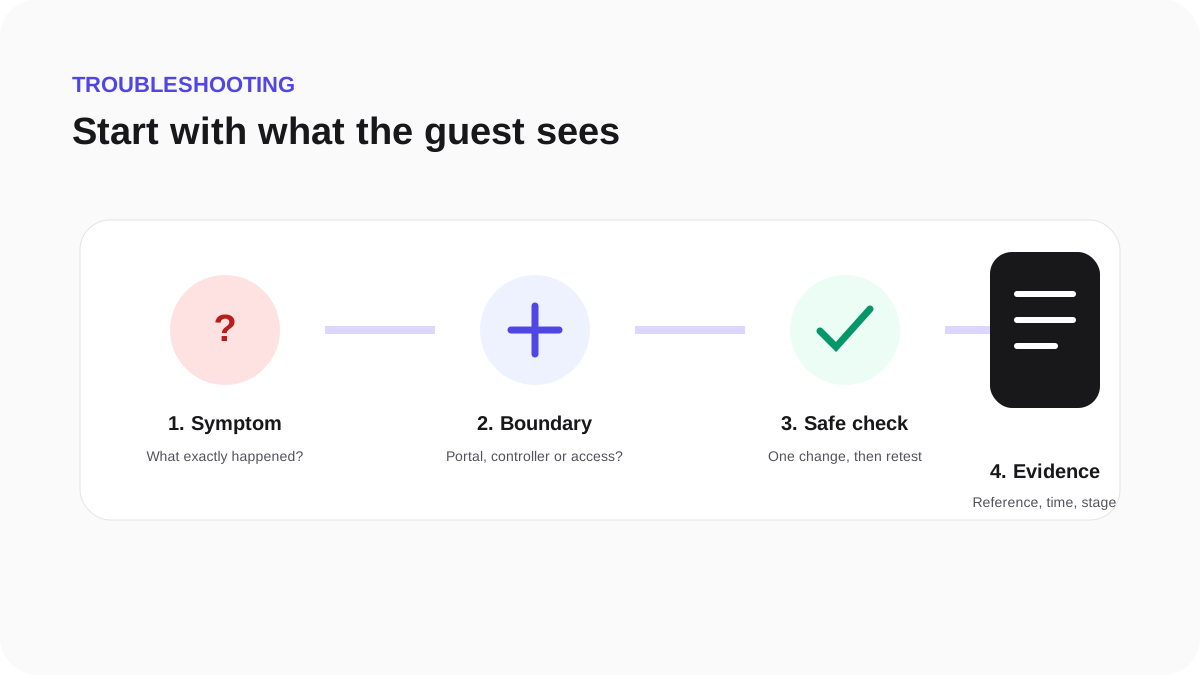
The captive portal does not open
Work through these checks in order:
- Confirm the phone joined the exact SSID selected in WeefyBox.
- Confirm the published Guest WiFi is assigned to the active hardware connection.
- Copy the current portal, redirect and pre-authorization values from the hardware setup page.
- Forget the network, turn WiFi off and on, then reconnect.
- Open a plain HTTP page such as
http://neverssl.comto prompt captive-network detection. - Run the WeefyBox live test and note the first incomplete milestone.
Do not broaden the walled garden or disable controller security to force the portal to open.