Before you change anything
- Confirm the correct venue
- Keep current settings handy
- Test with one device first
An image will not upload or display
- Use JPEG, PNG or WebP and keep the file within the limit shown by the editor.
- Rename unusual filenames and retry from a current browser.
- Keep the editor open until the upload and preview both finish.
- If the upload completes but the image is missing, save the draft once and reload it.
- Check the browser console only if support asks for it; do not share signed storage URLs publicly.
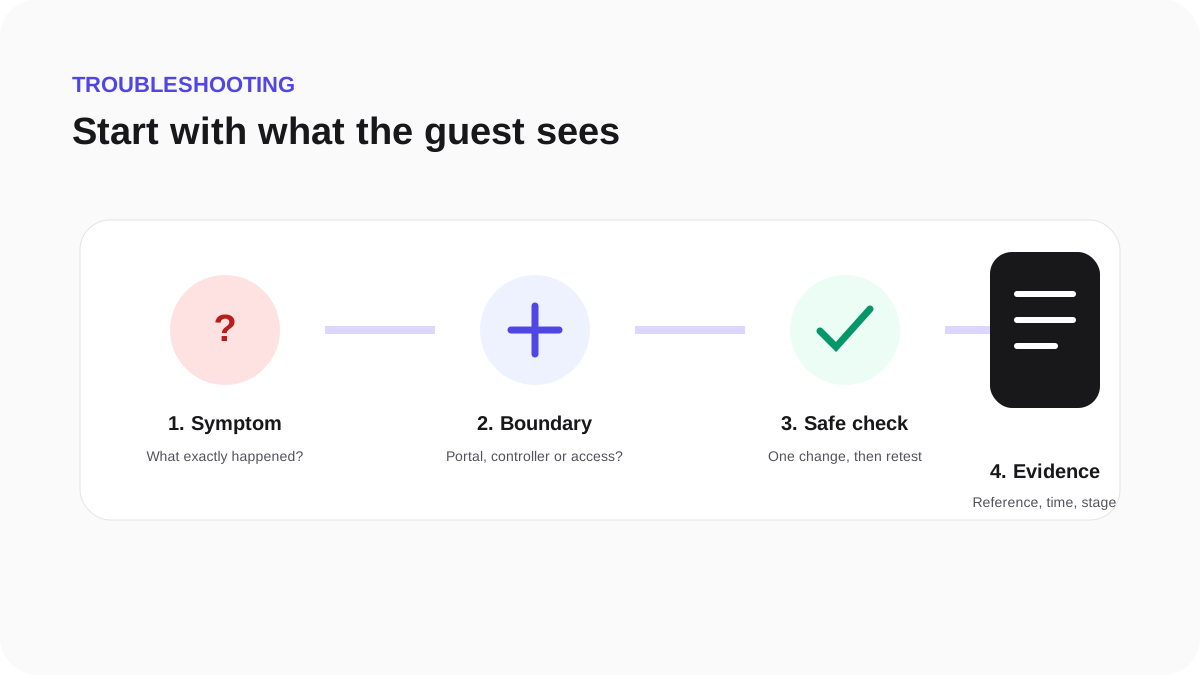
If the problem continues, provide the page, approximate time, file type and displayed support reference. Do not send production storage credentials.