Before you change anything
- Confirm the correct venue
- Keep current settings handy
- Test with one device first
Understand guest profiles and visits
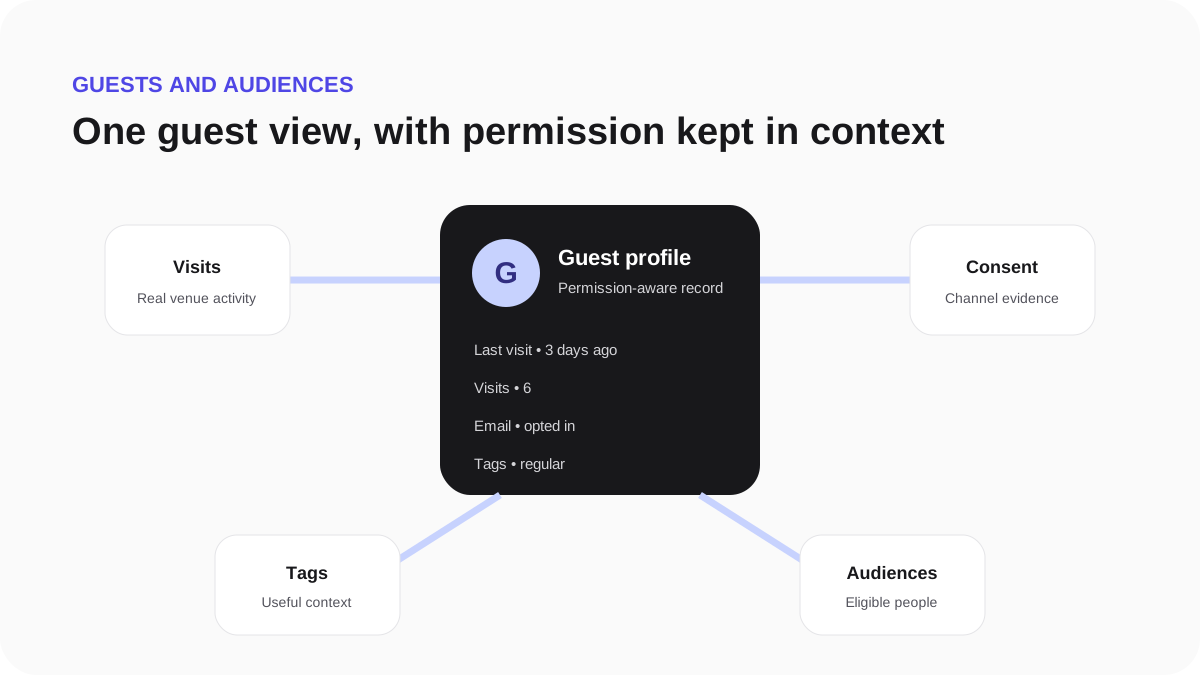
A guest profile brings together information the guest submitted, their verified venue visits, marketing permission and message history. A WiFi visit does not automatically mean the guest agreed to marketing.
Read the record safely
- Open Guests and choose a profile.
- Use Visits to confirm when and where the guest connected.
- Use Consent to check the permission status, source and time.
- Use Activity to understand messages, tags and privacy actions.
Only use contact information for the purpose and channel covered by the current permission record.