Before you change anything
- Confirm the correct venue
- Keep current settings handy
- Test with one device first
Create a useful audience
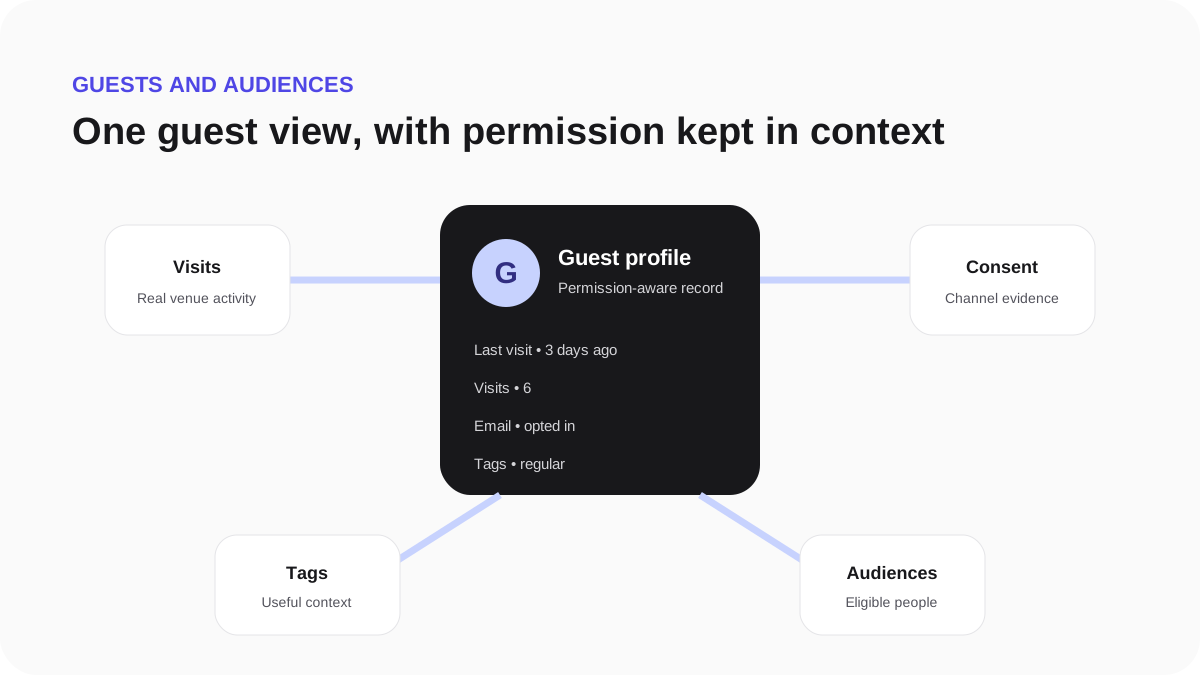
Audiences help you reach a relevant group without exporting guest data.
- Open Guests, then Audiences.
- Start with marketing permission.
- Add one meaningful condition, such as last visit, visit count or a venue tag.
- Review the matching total and a sample of the results.
- Save the audience with a name your team will recognise.
Keep the first audience simple. A useful example is guests who opted into email, visited at least twice and have not returned in 30 days.