Before you change anything
- Confirm the correct venue
- Keep current settings handy
- Test with one device first
Suppress a guest from marketing
Suppression stops future marketing while retaining the minimum evidence needed to honour the request.
- Open the guest profile.
- Choose the suppression or unsubscribe action.
- Confirm the channel and reason.
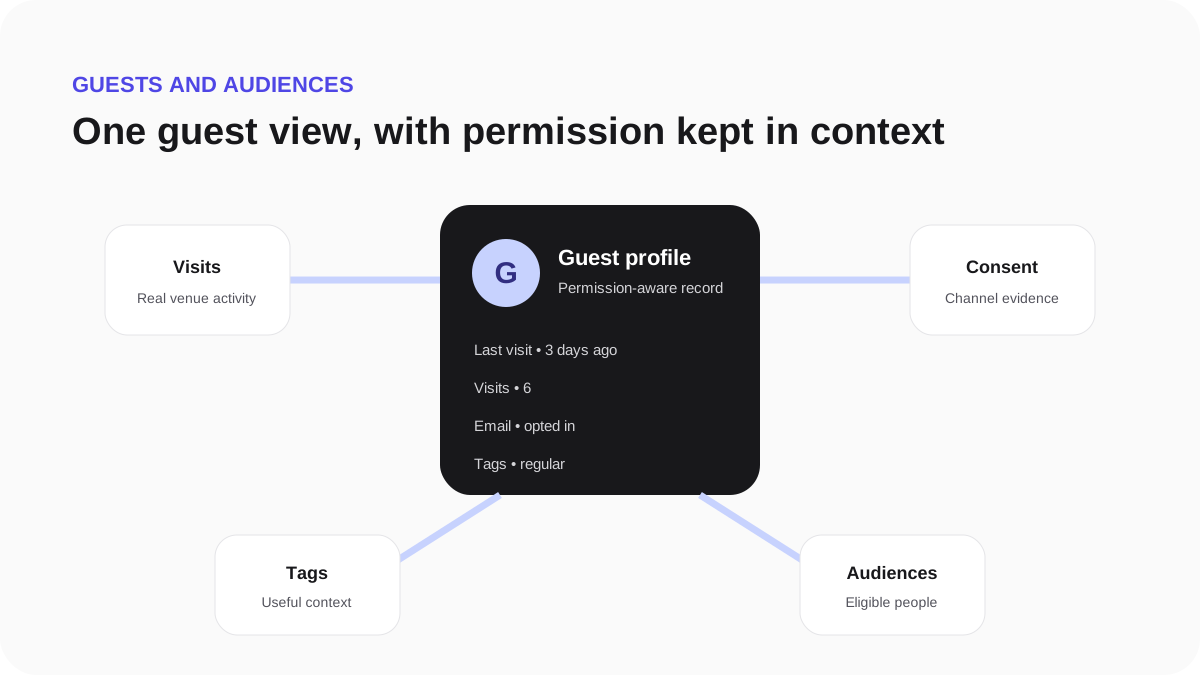
- Check that the profile now shows the updated permission state.
Campaign and automation recipient checks apply suppressions again immediately before delivery. Do not recreate or re-import a suppressed address to work around the guest's choice.