Before you change anything
- Confirm the correct venue
- Keep current settings handy
- Test with one device first
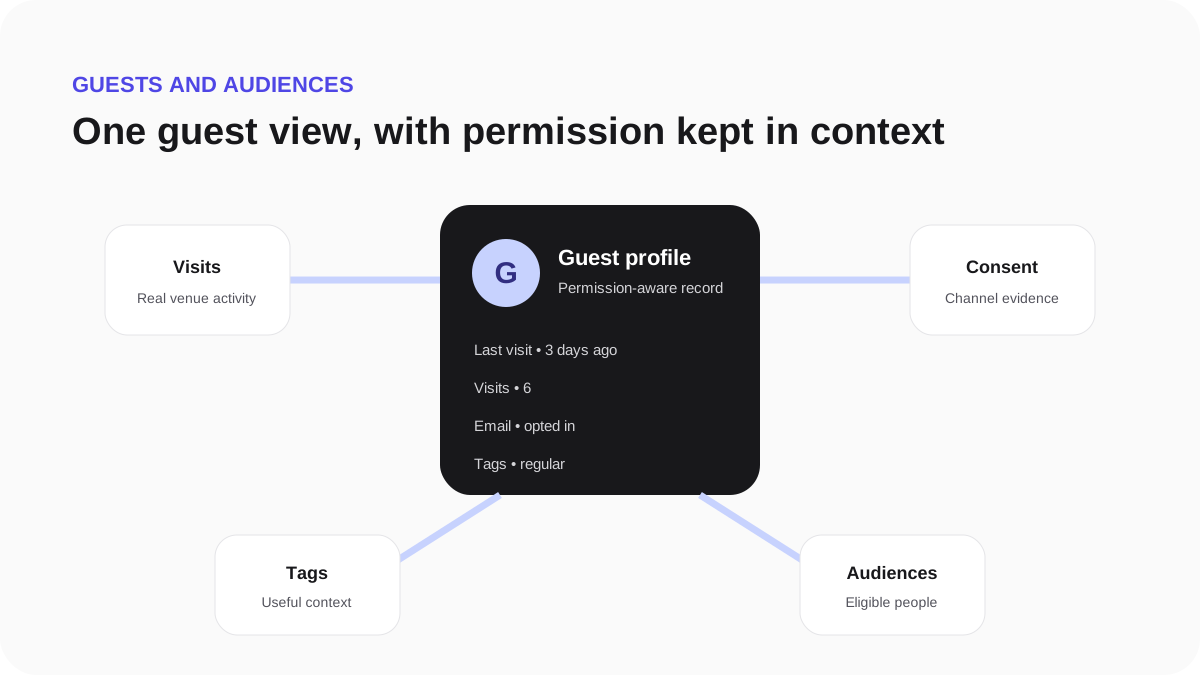
Export a guest profile
Use the individual profile export only for a genuine access request or an authorised support task.
- Confirm the requester's identity using your business process.
- Open the correct guest profile.
- Start the privacy export and record the reason.
- Download the file through the private, time-limited link.
- Share it securely and remove any local copy when it is no longer needed.
Do not use a profile export as a marketing-list download.