Before you change anything
- Confirm the correct venue
- Keep current settings handy
- Test with one device first
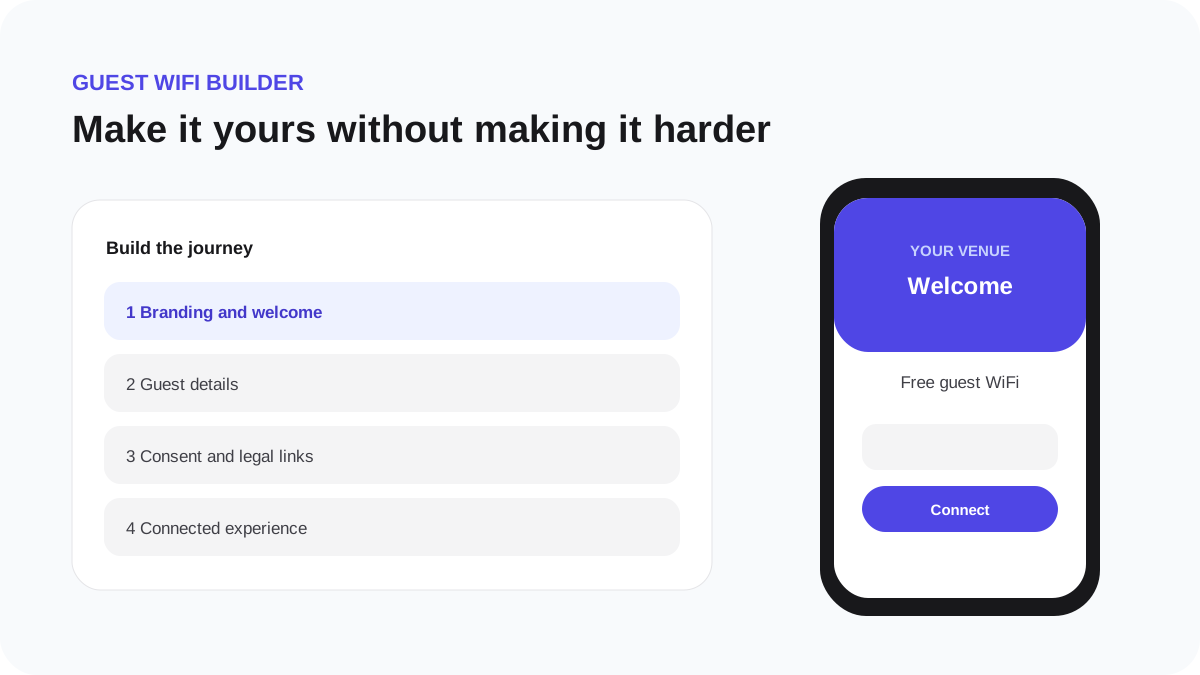
Preview every guest screen
Preview is a safe rehearsal of the Guest WiFi experience. It does not authorize a real device and does not create Guest CRM data.
- Open Guest WiFi Builder and choose Preview.
- Start at the welcome screen and complete the displayed fields.
- Inspect required terms, optional marketing permission and validation messages.
- Continue through the finishing state and the configured connected or redirect result.
- Repeat at phone and desktop widths.
- Return to the builder, make changes and preview again.
Preview versus live test
| Preview | Live test | |---|---| | Demonstrates page content and navigation | Uses the real access point and controller | | Creates no guest or visit record | Can create a trusted guest session and visit | | Does not grant network access | Proves authorization and ordinary browsing | | Safe to repeat while designing | Run after hardware values are configured |
Publish only after the preview is clear, then use the Hardware live test to prove the network path.