Before you change anything
- Confirm the correct venue
- Keep current settings handy
- Test with one device first
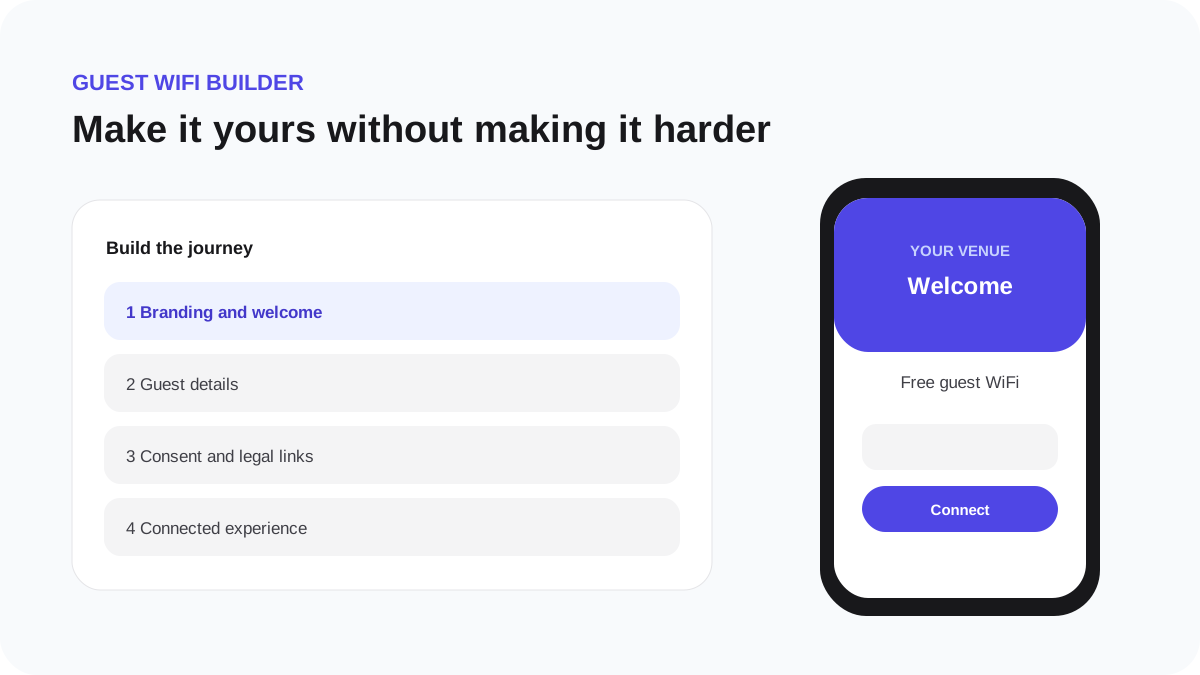
Choose guest details and consent
WiFi access and marketing permission are different decisions. WeefyBox keeps them separate in the guest journey and in later sending checks.
Choose fields deliberately
Ask for the minimum information that supports the venue's approved purpose. A simple click-to-connect journey can work without collecting guest details. If email is collected for marketing, explain what the guest will receive.
- Open Guest WiFi Builder → Guest details.
- Enable only the approved fields.
- Mark a field required only when the guest cannot reasonably use the service without it.
- Open Consent and review the current WiFi terms and optional marketing wording.
- Preview the unchecked and checked states.
Required WiFi terms record acceptance of network access conditions. Optional email consent controls whether the guest can enter an eligible campaign audience. Accepting WiFi terms never grants marketing permission by itself.
If the venue changes the purpose or wording materially, publish a new version and decide whether returning guests must see it again.