Before you change anything
- Confirm the correct venue
- Keep current settings handy
- Test with one device first
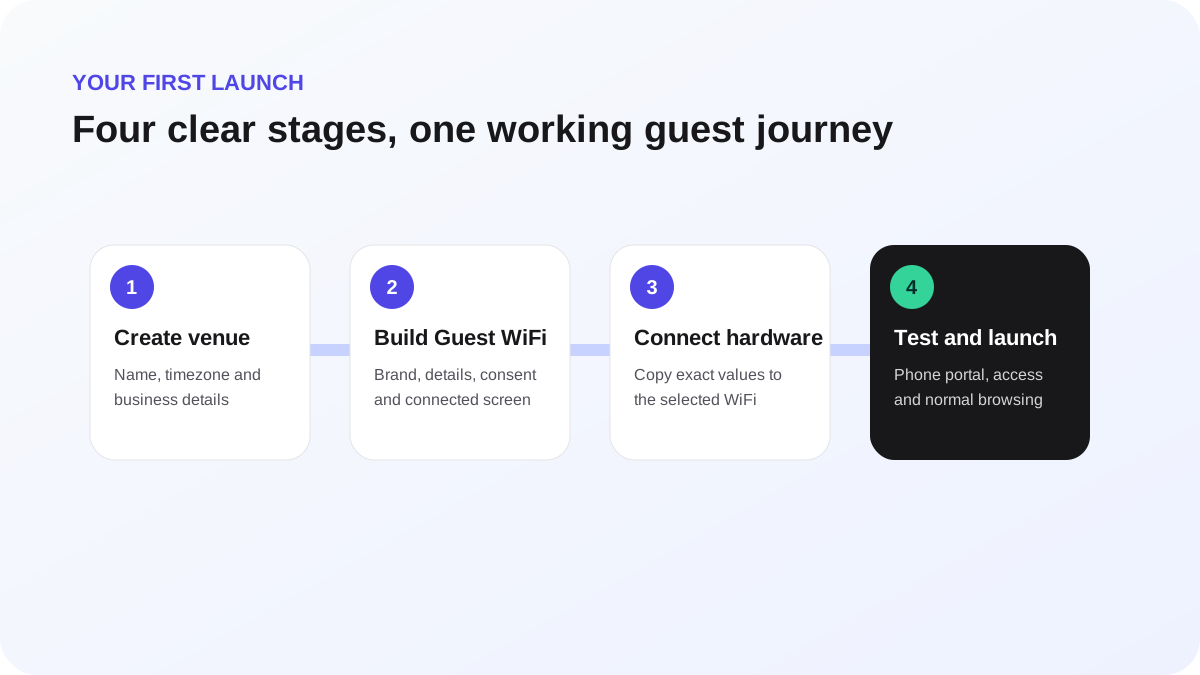
Connect hardware and run the live test
Hardware setup has two distinct proofs: the controller configuration can be read or validated, and a real guest can complete the full journey.
Configure
- Select the venue and open Hardware.
- Choose the exact WiFi family in use.
- Confirm the required controller feature and firmware family shown in the guide.
- Create the connection and reveal any one-time secret only when the controller form is ready.
- Copy the Portal URL, redirect or callback value, allowed destinations, ports and identifiers exactly as displayed.
- Attach the external portal to the intended guest SSID—not a staff, private or similarly named network.
- Save the controller configuration and return to WeefyBox.
- Run Test connection and resolve every failed stage before continuing.
Prove with a real device
- Start the guided live test in WeefyBox.
- On a phone, forget the guest network and reconnect from WiFi settings.
- Use the operating system's Sign in to WiFi action if the captive window does not open automatically.
- Complete the guest form and accept the required terms.
- Wait for the connected result, then close the captive window.
- Open an ordinary HTTPS website and confirm it loads through WiFi.
- Return to WeefyBox and confirm the launch, authorization and session milestones.
Do not use the presence of a WiFi icon—or the absence of a 5G label—as the only internet test. Mobile operating systems can retain cellular indicators while a captive network is awaiting authorization.