Before you change anything
- Confirm the correct venue
- Keep current settings handy
- Test with one device first
Switch monthly or annual billing
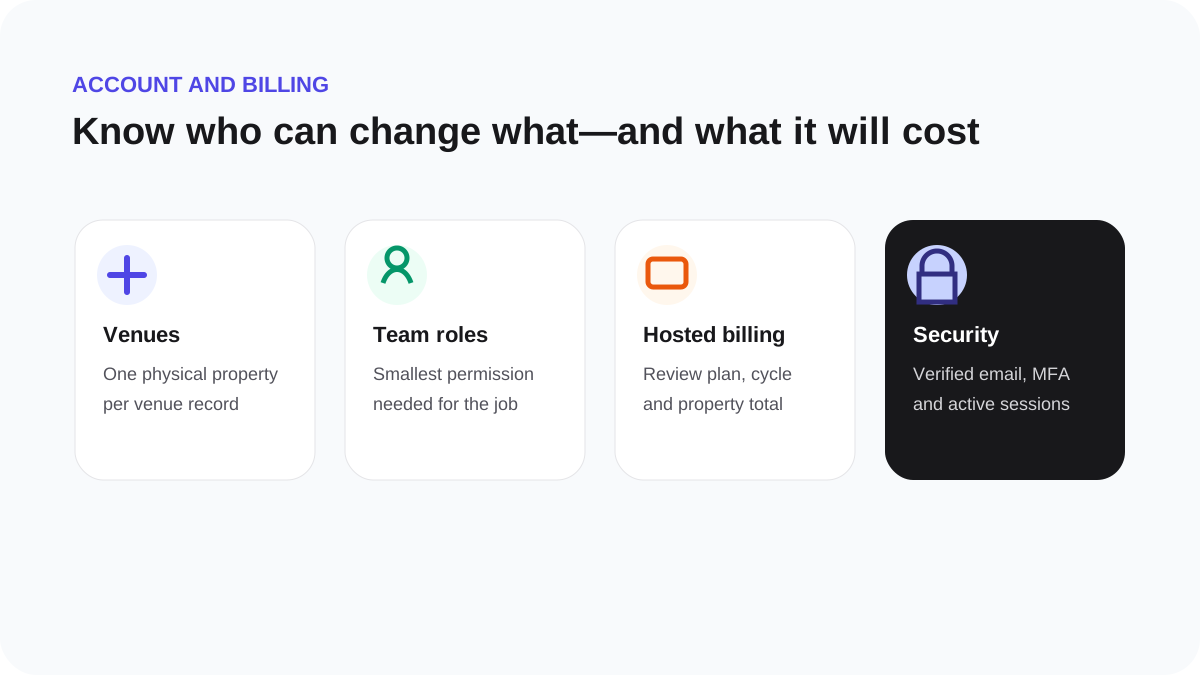
Open Settings, then Billing. Choose monthly or annual and review the displayed total and effective timing before continuing to the secure hosted billing flow.
Billing changes may create an immediate adjustment or take effect at the next renewal depending on the change shown. Do not refresh or repeat checkout while a confirmation is still processing. Return to Billing and use Refresh status if the provider has completed but the page has not updated yet.