Skip to content

Works with Aruba Instant On, TP-Link Omada and Ubiquiti UniFi WiFi families. See compatible hardware

Step-by-step guide

Secure your account

Verify email, enable two-factor authentication or a passkey, review active sessions and keep privileged access protected.

Guide 4 of 4 5-10 minute read Operator checklist

Before you change anything

  • Confirm the correct venue
  • Keep current settings handy
  • Test with one device first
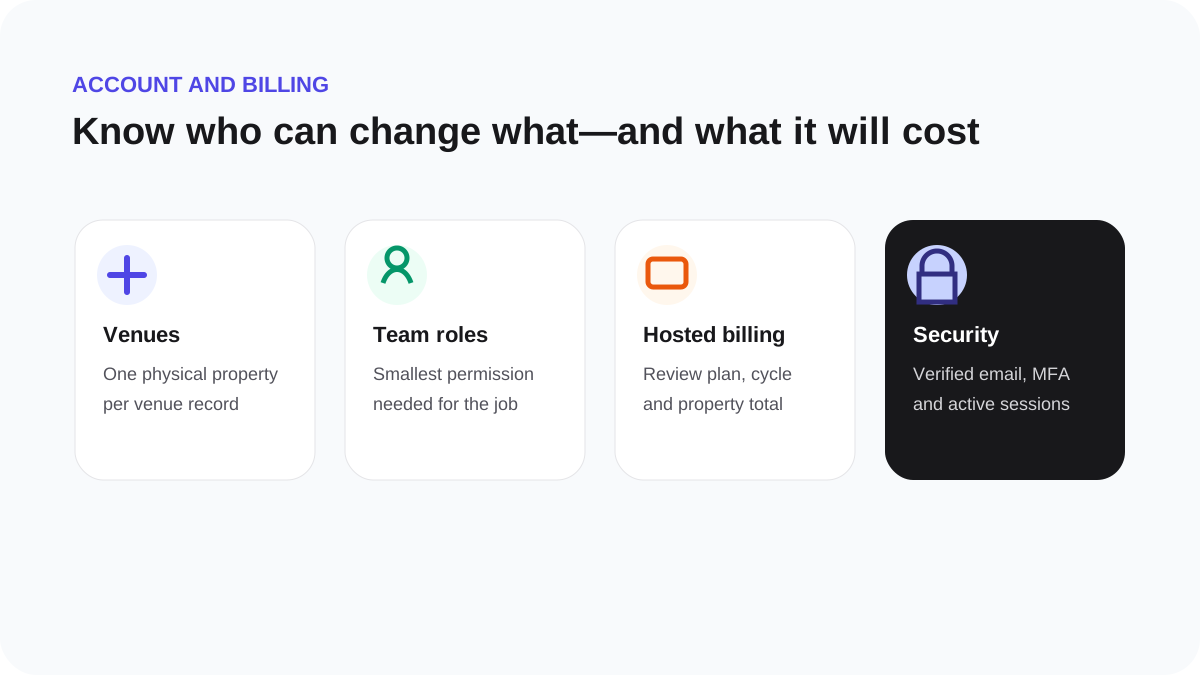
Account settings covering venues, team roles, plan selection and secure hosted billing
Visual map of the workflow. The exact labels shown in your account remain the source of truth.

Secure your account

  1. Verify your email address.
  2. Enable two-factor authentication or a passkey where available.
  3. Use a unique password and a password manager.
  4. Review active sessions and sign out devices you do not recognise.
  5. Give teammates the smallest role they need.

WeefyBox support will never ask for your password, RADIUS shared secret, payment details or authentication code.