Before you change anything
- Confirm the correct venue
- Keep current settings handy
- Test with one device first
Add or manage venues
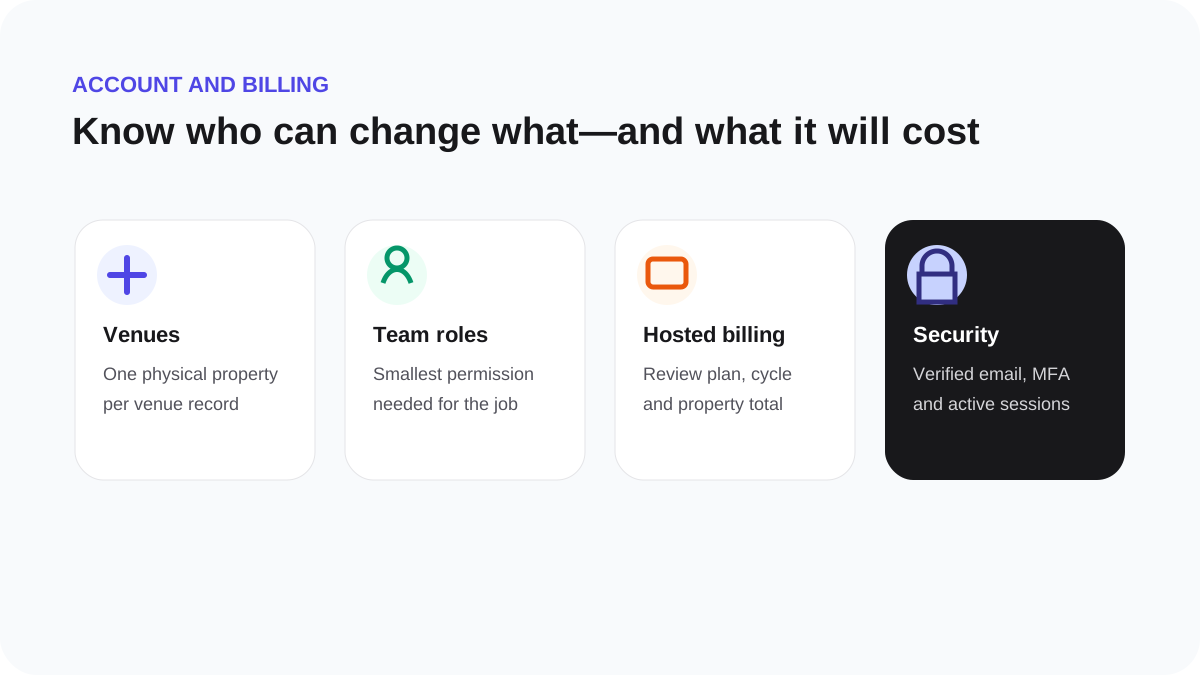
A venue represents one physical customer location and owns its Guest WiFi, hardware assignment and reporting context.
- Open Settings, then Venues.
- Add the location name, address and correct timezone.
- Save it before building Guest WiFi or connecting hardware.
- Archive a venue only when it should no longer be active.
Check the billing summary before adding locations because venue quantity can affect the subscription total.